Search &Traceability Report

0 out of 0 found this helpful
Accessing Traceability Feature by Search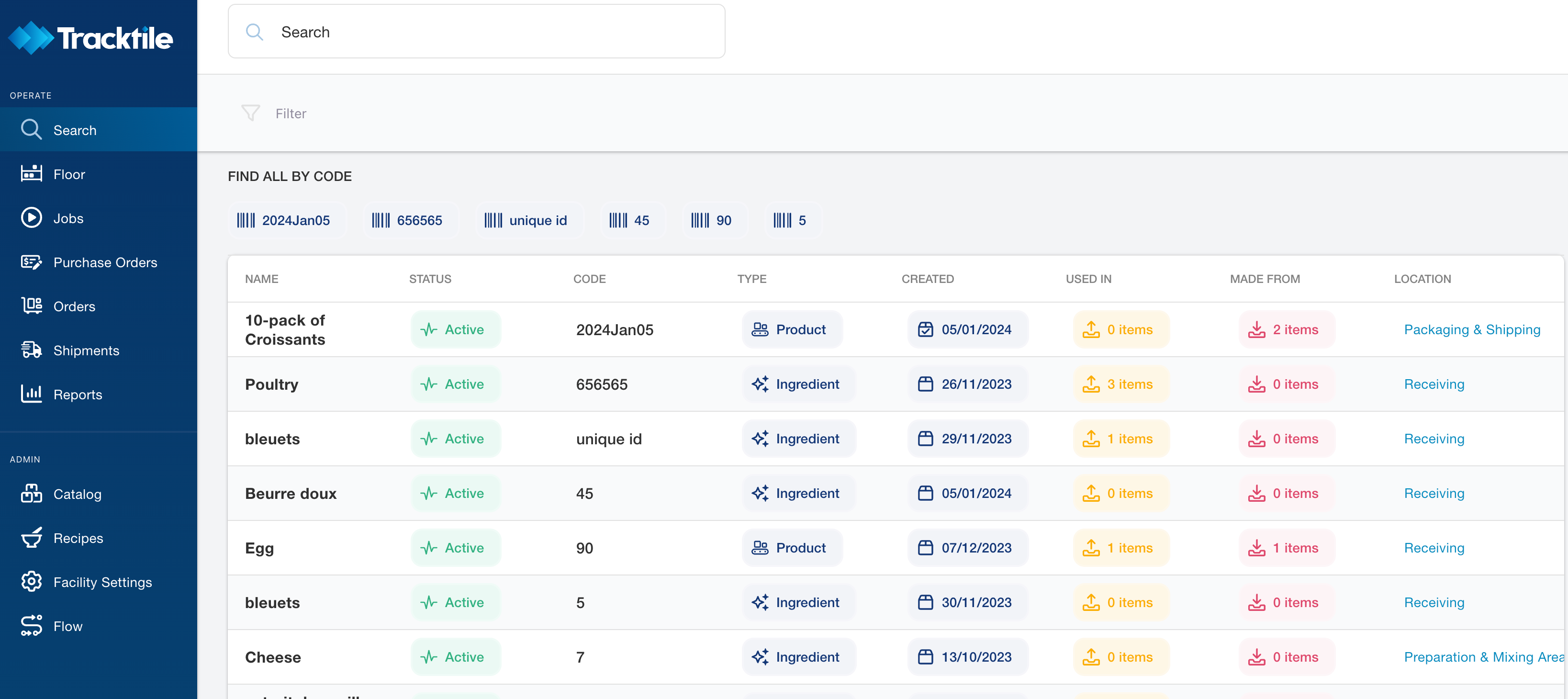
- Go to the "Search" section found on the Operation Panel.
- Enter the Unique ID, LOT Code or Item Name you want to find.
- All available Codes to trace will be pulled above the main table. Click on the desired code to filter results.
- A new button will appear “Trace” in the upper right corner. Click it to be transferred to the Traceability Report page.
Accessing Traceability Feature by Reports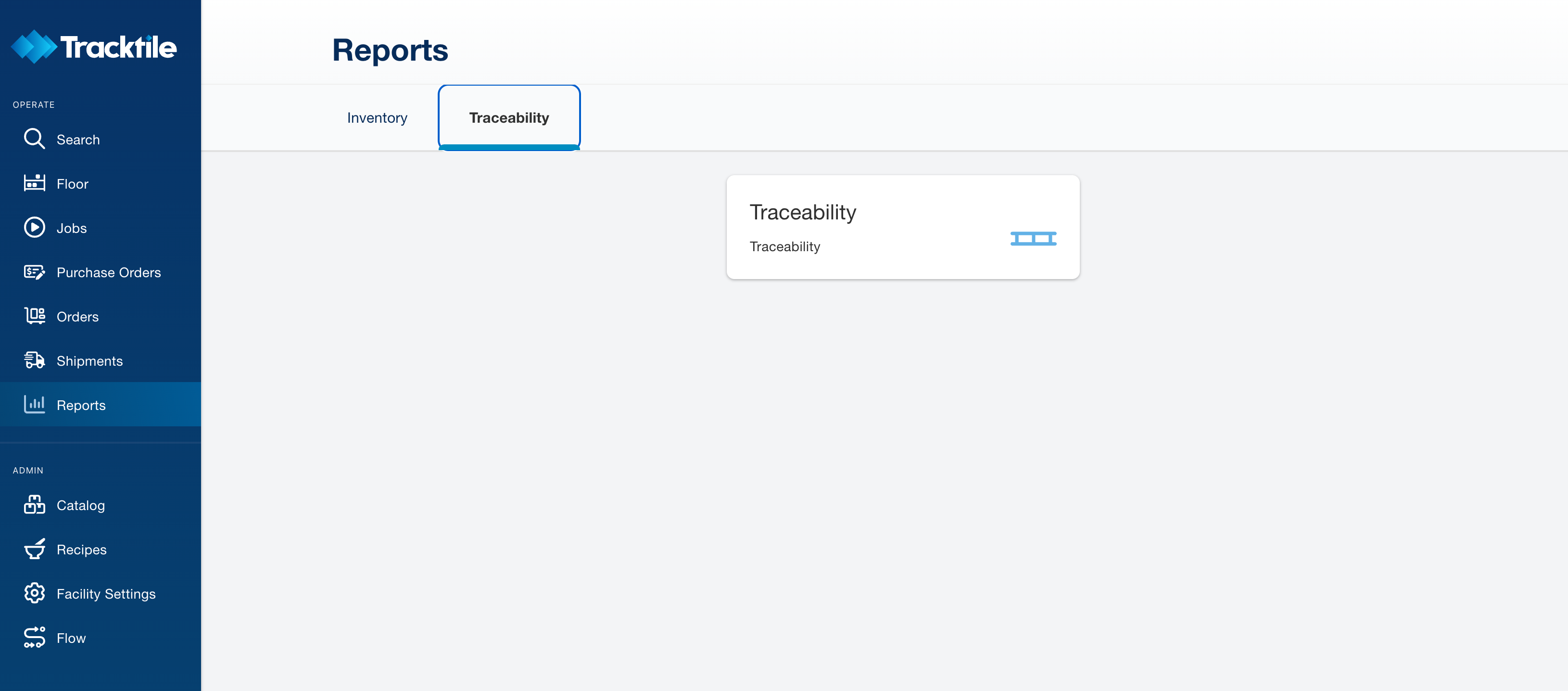
- Go to the "Reports" section found on the Operation Panel.
- Click on the "Traceability" tab.
- Use the search bar to enter the code of the product.
- A list of items related to your query will be displayed.
Understanding the Traceability Data
- Sections: "Made From" for inputs and "Used In" for the product's applications.
- Inputs: Check the origins of the ingredients or components.
- Outputs: Review where the main item has been used.
Exporting the Report
- Export: Use the "Export" button to save the report as CSV.
0 comments
Please sign in to leave a comment.